

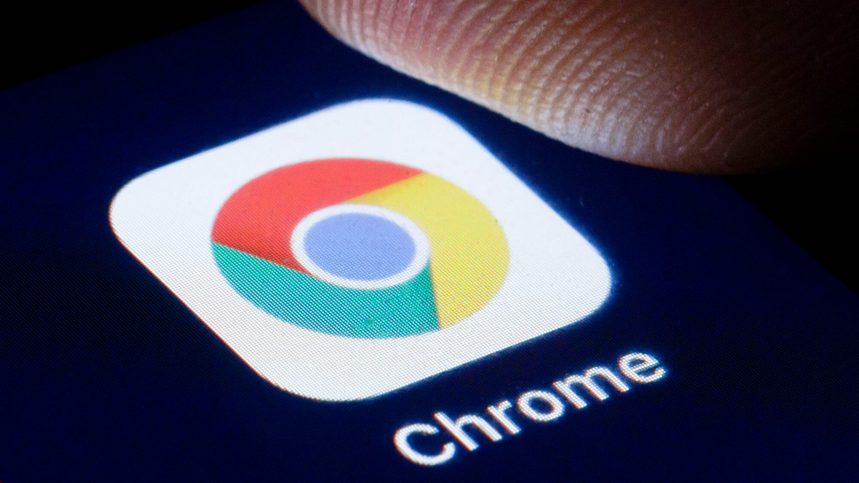
A suspicious Android application posing as Google Chrome reportedly gained more than 100,000 downloads on the Google Play Store before being taken down. The incident has sparked concerns about fake applications, misleading app listings and the effectiveness of security checks on Google’s official app marketplace.
The application allegedly appeared prominently in search results for “Chrome”, potentially making it easier for users to mistake it for the genuine browser. According to a screenshot shared on Reddit, the app listed Hizbartech as its developer.
Fake App Allegedly Changed Its Name and Icon
According to Android Authority, the application was originally listed on the Play Store as a game named Ball Bounce. Its name and icon were reportedly changed later to resemble Google Chrome.
Such changes can make it difficult for users to distinguish a legitimate application from an imitation, particularly when searching for popular software by name.
Google Chrome is widely used on Android devices, making its branding a potential target for developers seeking to attract downloads through misleading listings.
Users Claim the App Was Not a Real Browser
The application also drew criticism from Reddit users who discussed its behaviour after installation.
One commenter claimed that the app functioned more like a chat application that generated random responses than a conventional web browser. Another user described features involving AI-generated avatars and contact-related functionality.
These claims have not been independently verified. The available reports do not establish whether the application collected sensitive information or contained malicious software.
Application Reportedly Removed From Google Play
Reddit users later reported that the suspicious listing had disappeared from the Google Play Store. The app’s reported download count had already exceeded 100,000, highlighting the potential reach of misleading applications before they are removed.
The precise timing of the removal and Google’s explanation for the incident were not established in the available information.
The case has also raised questions about how the application was able to appear so prominently in search results. Reports suggested that paid promotion may have contributed to its visibility, although the precise role of advertising has not been independently confirmed.
Incident Raises Concerns About Play Store Security
Google uses app review procedures and security tools to identify applications that violate its policies or pose risks to users. However, deceptive listings can still create challenges, particularly when developers change an app’s branding after its initial publication.
The reported incident highlights the importance of examining more than an application’s name and icon before downloading it. A familiar logo does not necessarily mean an app is published by the company it appears to represent.
It also underscores the need for app marketplaces to detect suspicious changes to application names, branding and functionality.
How to Identify the Official Google Chrome App
Android users can reduce the risk of installing fake applications by following a few simple precautions:
- Verify the publisher: The official Chrome browser is published by Google LLC.
- Check the app details: Review the description, permissions and developer information before installation.
- Avoid suspicious downloads: Be cautious of unfamiliar applications that imitate established brands.
- Use Play Protect: Keep Google Play Protect enabled to help identify potentially harmful applications.
- Remove suspicious apps: If an unfamiliar application has already been installed, uninstall it and review its permissions.
Users who encounter an app impersonating a trusted service can report it through the Google Play Store.
What This Means for Android Users
The reported fake Chrome app demonstrates that downloading software from an official marketplace does not eliminate every risk. Although app-store security measures offer important protection, users should still verify the publisher and check whether an application’s advertised purpose matches its functionality.
With the suspicious listing reportedly reaching more than 100,000 downloads, further clarification about Google’s review process could help explain how the app remained available and what steps might prevent similar cases.